Screenshots
Clean. Fast. Focused.
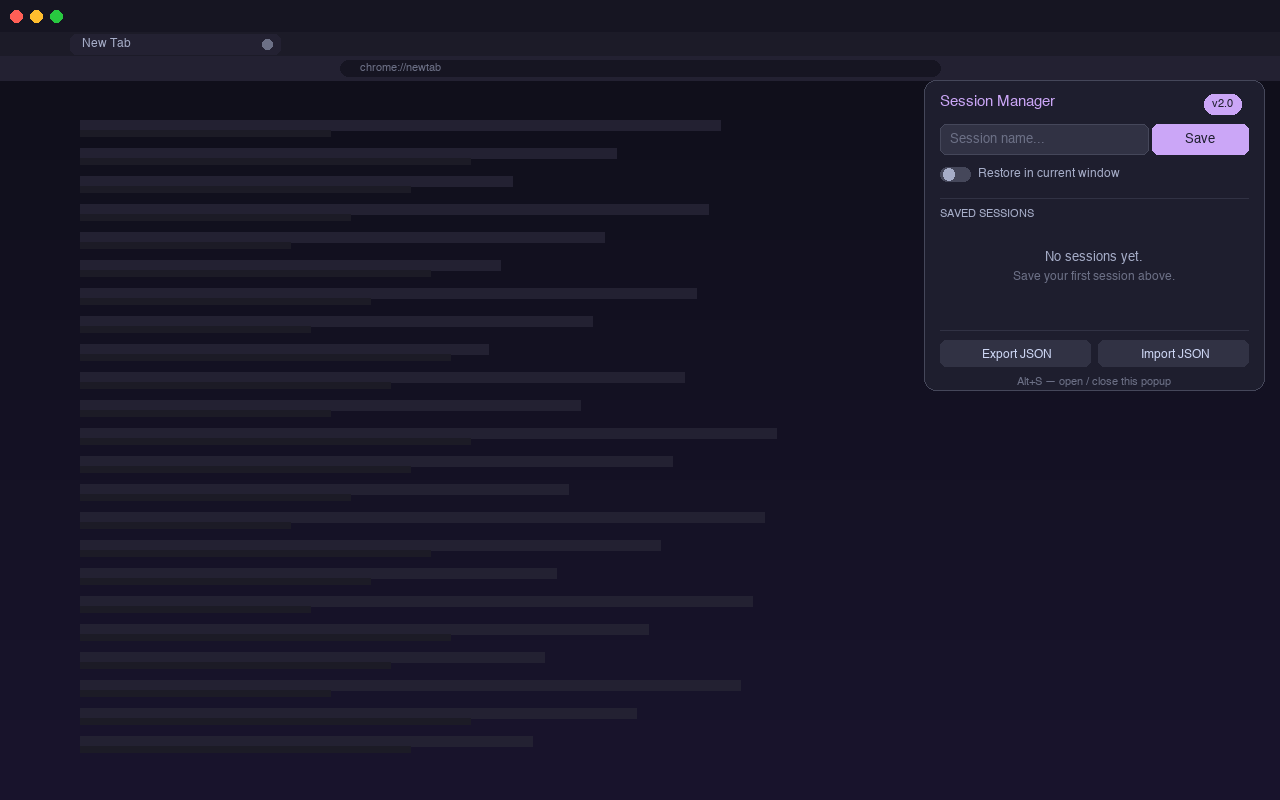
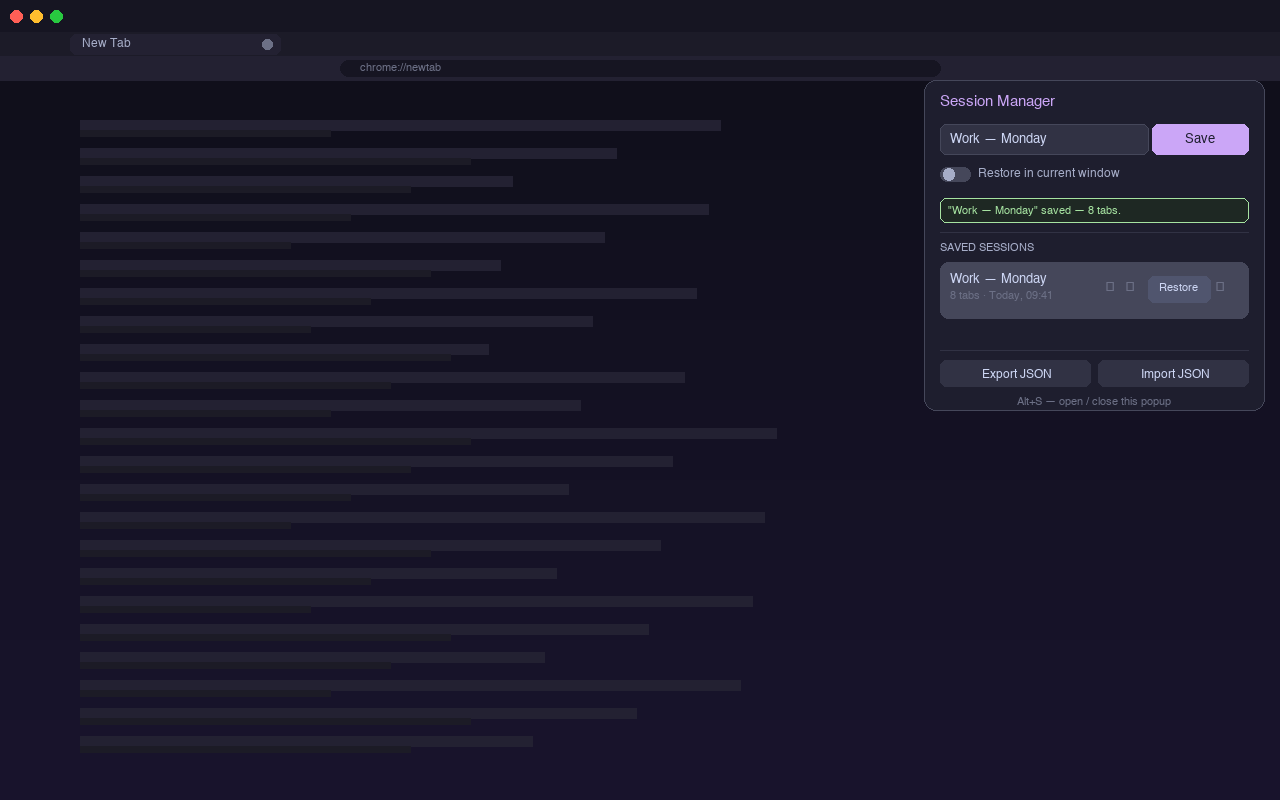
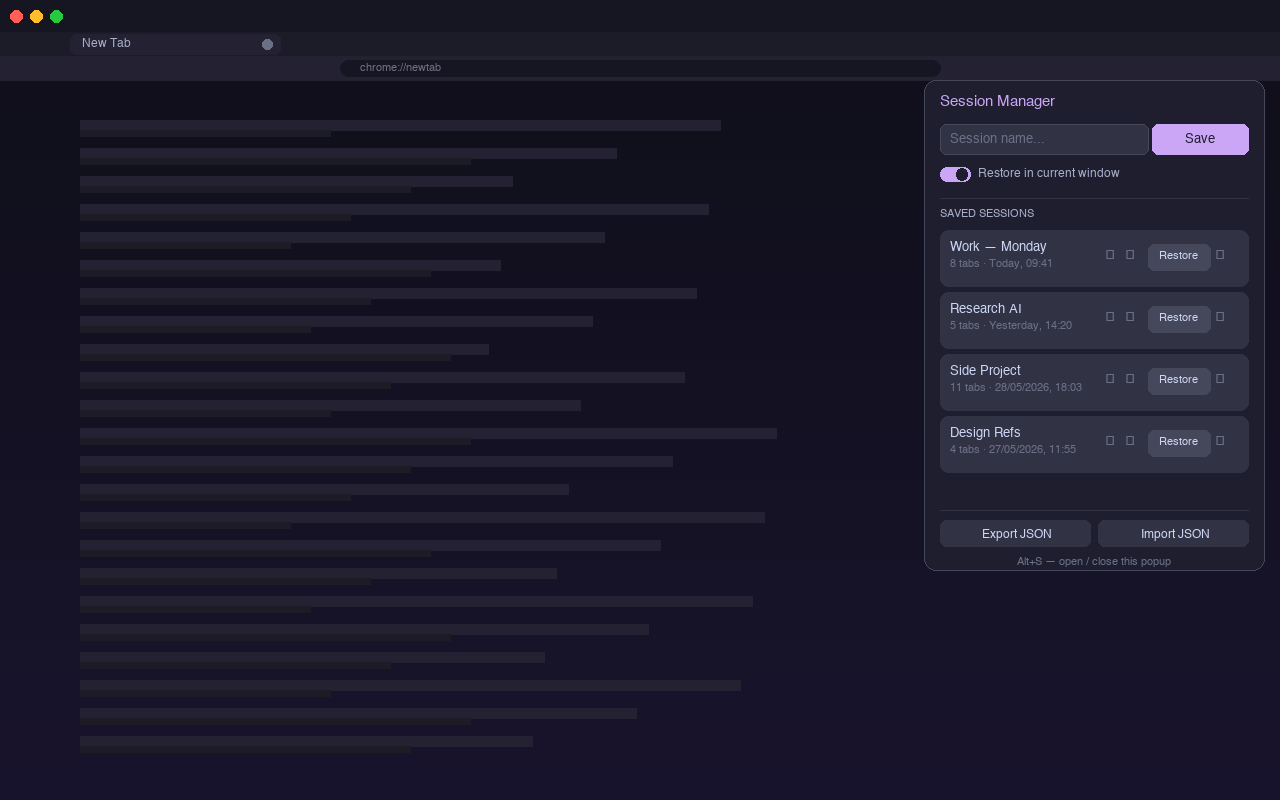
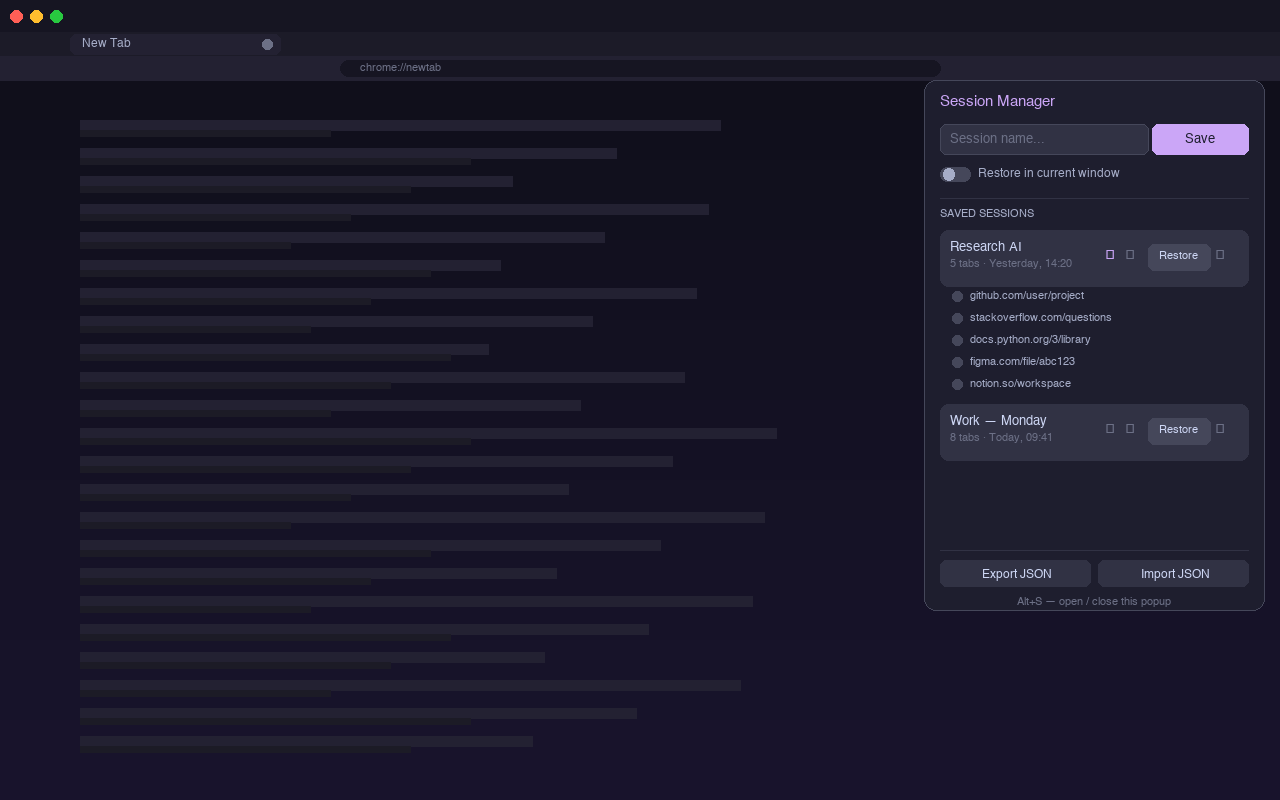
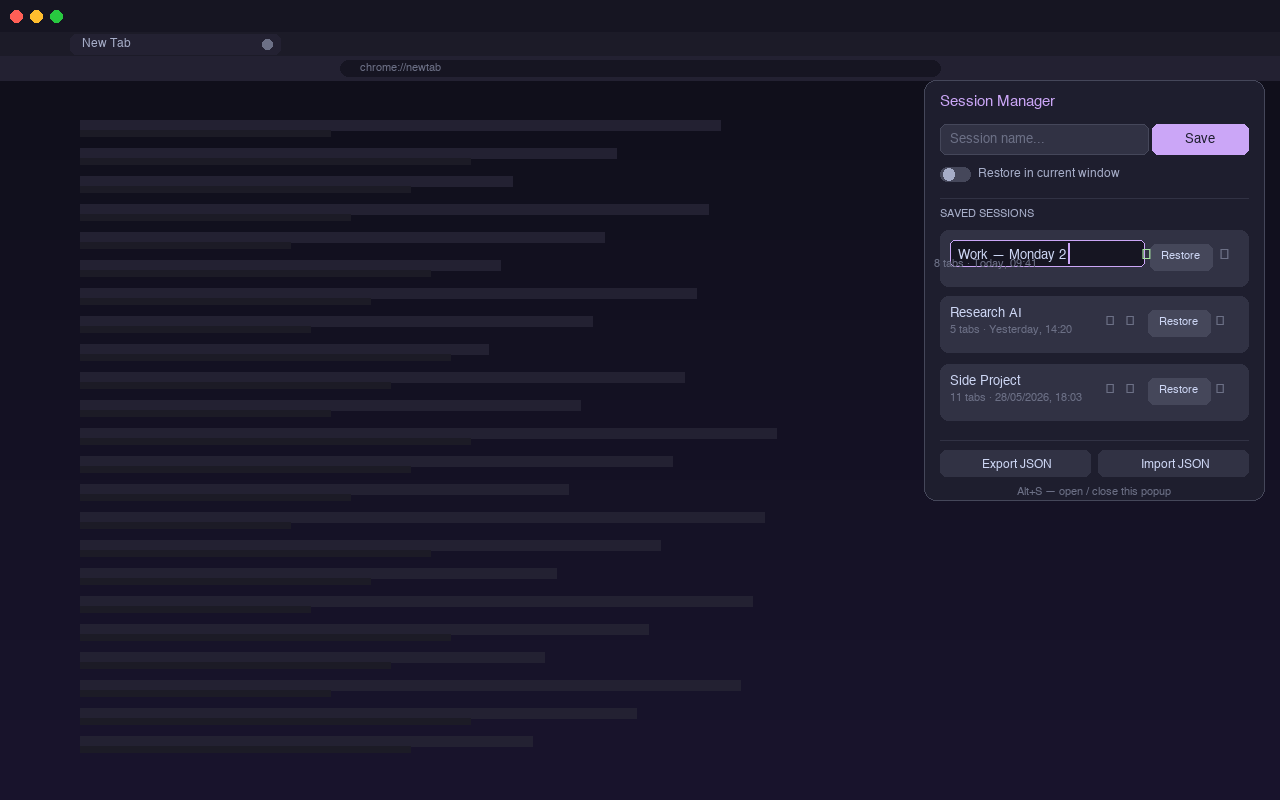
Session Manager lets you save, restore, and organize groups of Chrome tabs in one click — entirely on your device. No sign-in, no server, no data loss.
Why Session Manager
Features
Name your session and save all open tabs instantly. Chrome URLs are automatically filtered out.
Reopen a session in a new window or directly in your current one — your choice, every time.
Expand any session to see the full list of tabs with favicons before opening anything.
Double-click to rename any session directly in the list. Confirmed with Enter, cancelled with Escape.
Back up all sessions to a JSON file and restore them anytime — even after a full reinstall.
Press Alt+S to open the popup without touching your mouse.
While other extensions sync to servers you don't control, Session Manager uses Chrome's built-in local storage exclusively. Your sessions never travel over the internet.
Data flow
What never happens
Screenshots